Segmentation works, but no pick point is generated
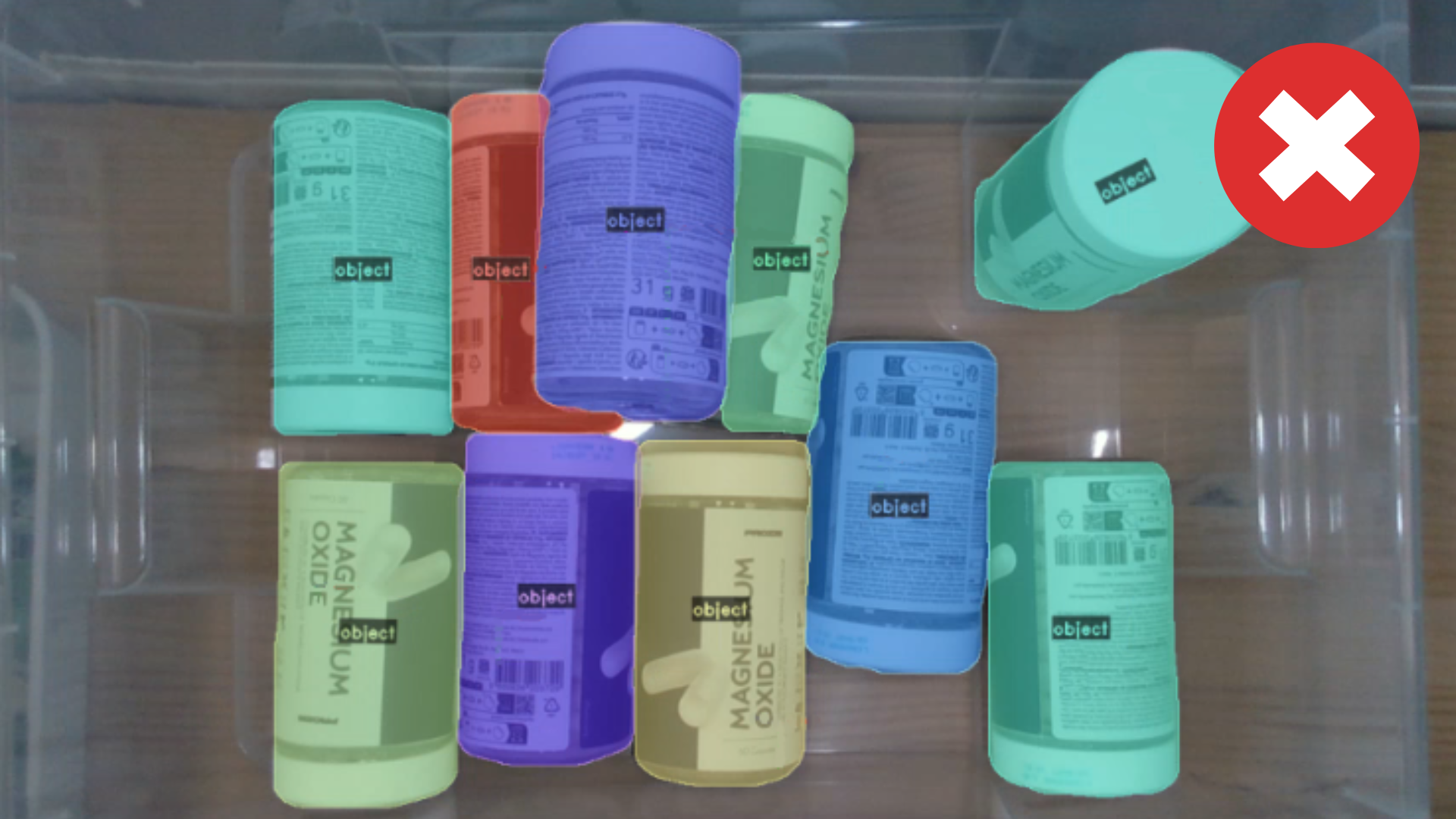
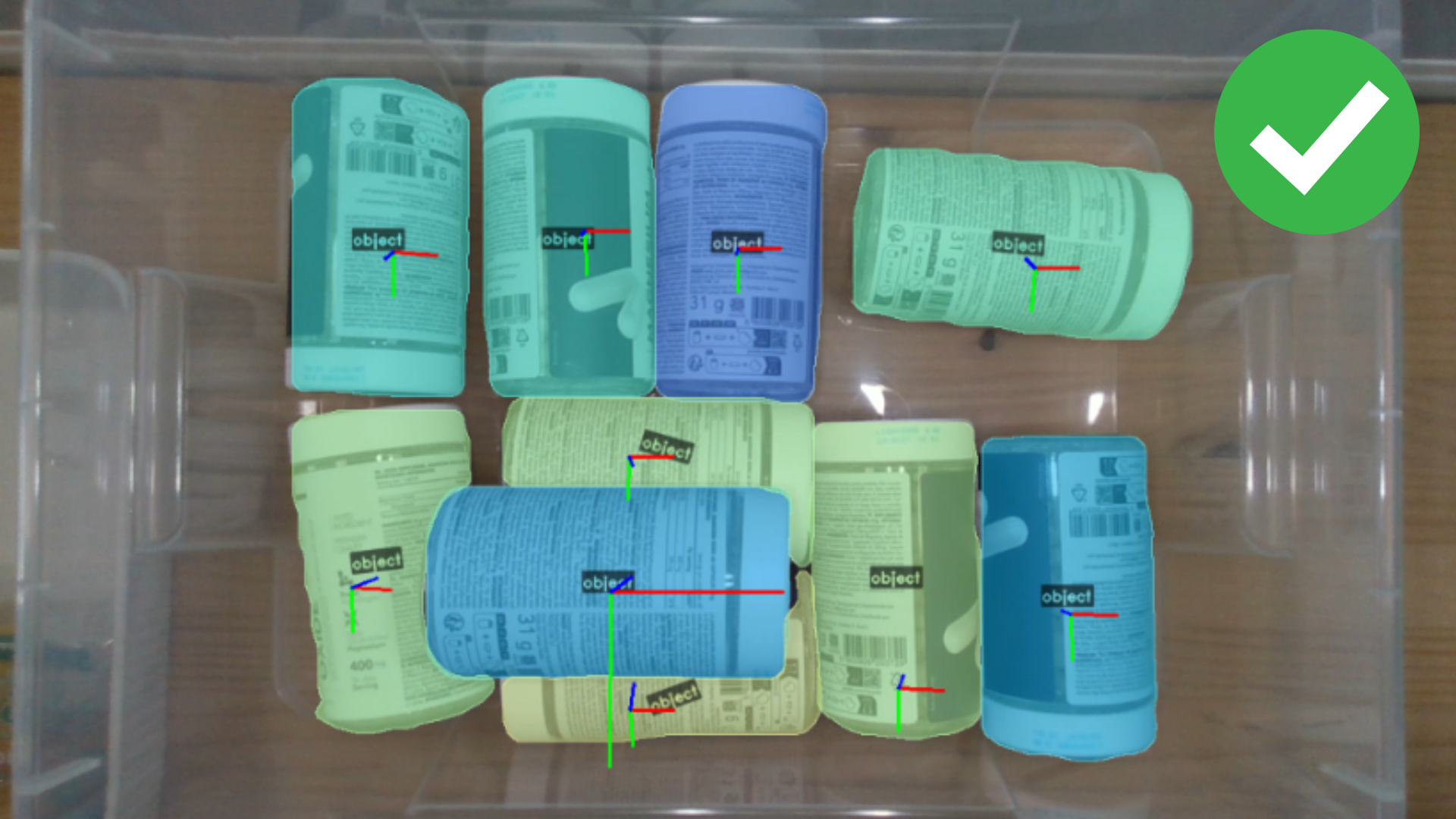
The objects are detected, so the AI model is working. What fails is one of the steps that turn a detection into a pick pose: obtaining the point, validating it against the collisions and the angle limits, and reaching it with the robot. Check the following:
Camera and Capture
- Configure exposure: adjust the camera exposure settings to obtain a stable depth image. See Camera Profiles for detailed guidance on optimizing exposure and troubleshooting common depth image issues.
- Camera distance too short: increase the distance between the camera and the scene until it is above the minimum working distance of your camera model.
- Direct sunlight: avoid direct sunlight or bright reflections onto the work area. Sunlight floods depth sensors and creates glare, which degrades the depth and pointcloud quality.
Contact Validation
A point is only kept if the suction cup can actually rest on the part, which means a flat region as wide as the suction cup diameter of the selected tool, with enough points in the point cloud to confirm it. Auto-pick works this way by definition, and Mask center and Model alignment do too when the tool has Check contact enabled, so an object can be recognized correctly and still end up with no pose:
- The suction cup is too large for the part: small or curved objects offer no area wide enough. Reduce the suction cup diameter of the tool.
- The surface is not properly captured: without enough points around the pick point there is nothing to validate. See Camera and Capture above.
- The check is not needed for this tool: turn Check contact off when the grasp does not depend on the full contact surface.
Picking Strategy Limits
The angle limits discard poses that are valid but undesirable, and set too strict they can discard all of them:
- Maximum angle is too strict: raise it to allow steeper approaches on objects lying at an angle.
- Maximum rotation distance is too strict: raise it to allow the wrist to reorient more between its current pose and the pick.
The maximum angle can also be overridden on each capture with the max_angle parameter of pick_plus_config_trigger (UR) or PP_ConfigTrigger (ABB), and with the MAX_PICK_ANGLE register (PLC).
Environment and Collisions
The scene decides both where Pick[+] looks and what it can crash into. Objects outside the selected bin are never picked, and with collisions enabled any candidate whose tool would intersect the bin walls, the assets or the surrounding objects is discarded:
- The wrong bin is selected at trigger time: the bin is chosen on every cycle, not in the application. Check the
environmentsparameter ofpick_plus_config_trigger(UR) orPP_ConfigTrigger(ABB), and theTRIGGER_BOX_IDregisters with theirTRIGGER_BOX_ID_IGNOREflag (PLC). - The bin is too tight or misplaced: make sure it fully contains the objects and leaves margin for placement error.
- An asset is over the pick area: a table, structure or pallet placed where the objects actually are blocks every approach to them. Verify the placement of the bins and the assets against the pointcloud before blaming the detection.
- The tool geometry is oversized: the collision model of the tool must match the real gripper, an oversized envelope blocks valid poses.
Robot Constraints
- Pick point out of robot reach: the calculated pose may be outside the robot's workspace, or outside the Minimum reach and Maximum reach limits set in the robot profile.
- Pose unreachable or outside safety limits: the robot reports it with
PP_ERROR103.